How to Prevent Fraud and Secure Your POS System
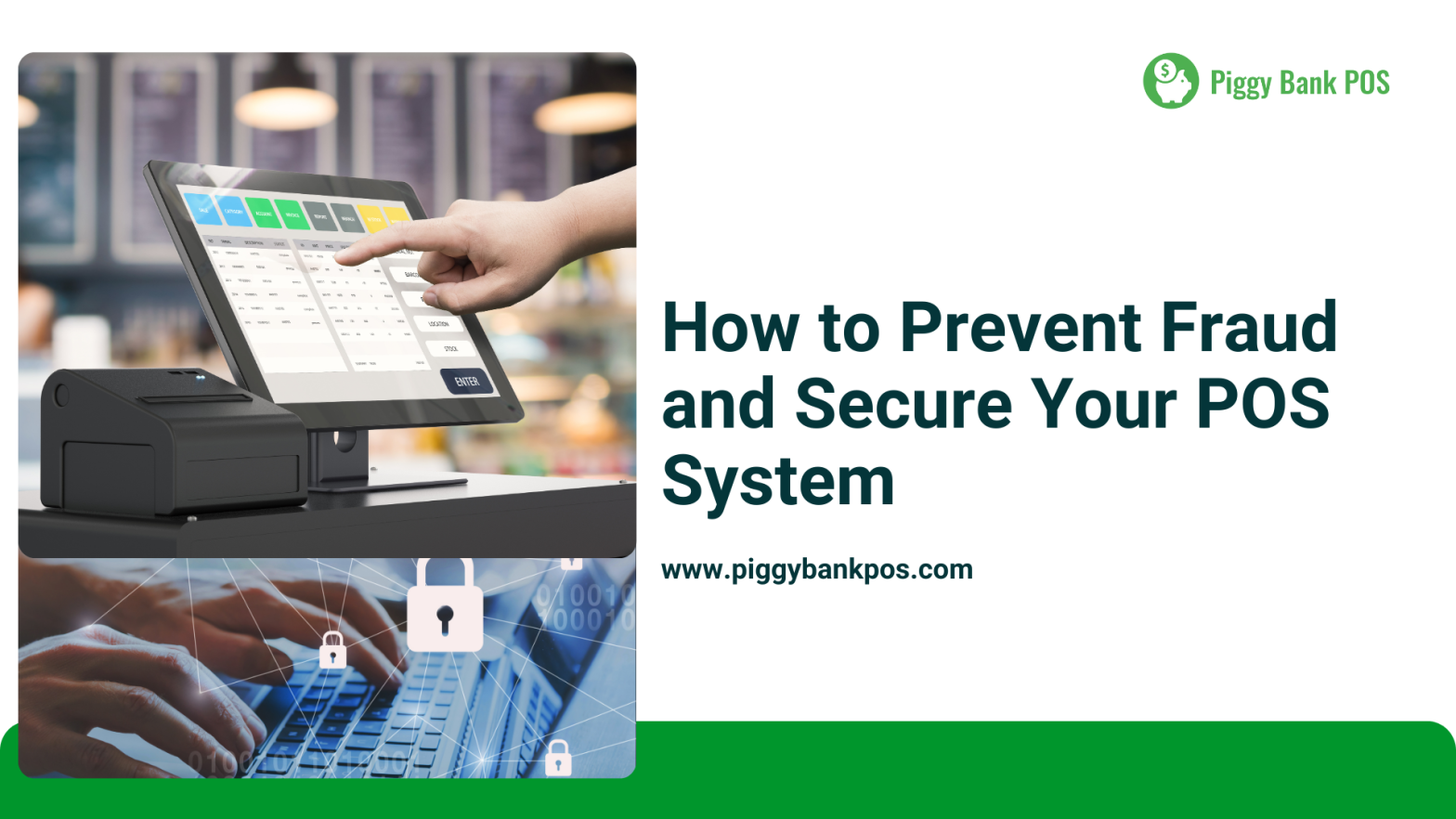
A Point of Sale (POS) system is the backbone of any business, handling transactions, customer data, and financial records. However, POS systems are prime targets for fraud and cyber threats, putting businesses at risk of data breaches, financial losses, and reputational damage.
To protect your business, securing your POS system is essential. In this guide, we’ll cover the top fraud risks and proven strategies to keep your transactions secure.
🔍 Common POS Fraud Risks
📌 1. Card Skimming & Data Theft
Fraudsters install skimming devices on card readers to steal customer payment information, leading to unauthorized transactions and chargebacks.
📌 2. Phishing & Cyber Attacks
Hackers use fake emails or websites to trick employees into revealing login credentials, giving them access to sensitive data.
📌 3. Employee Fraud & Theft
Internal fraud occurs when employees process fake refunds, steal cash, or manipulate sales records to commit theft.
📌 4. Weak Passwords & Unauthorized Access
Using default or weak passwords on your POS system makes it easy for cybercriminals to gain access and manipulate transactions.
📌 5. Outdated Software & Unsecured Networks
Running a POS system on outdated software or using an unprotected WiFi network leaves businesses vulnerable to cyberattacks.
🔐 7 Ways to Secure Your POS System & Prevent Fraud
1. Use EMV Chip Readers & Contactless Payments
✔ Why? EMV chip cards and contactless payments (Apple Pay, Google Pay) reduce card fraud by encrypting transaction data.
✔ How? Upgrade your POS system to accept chip cards and NFC payments, making it harder for fraudsters to skim card information.
💡 Pro Tip: Piggy Bank POS supports secure EMV & contactless transactions to protect your business from fraud.
2. Implement Strong Password Policies
✔ Why? Weak passwords make it easy for hackers to access your POS system.
✔ How?
- Use strong, unique passwords (mix of letters, numbers, and symbols).
- Enable multi-factor authentication (MFA) for added security.
- Change passwords regularly and avoid using default credentials.
3. Regularly Update Your POS Software
✔ Why? Outdated software is a hacker’s best friend—it may have security vulnerabilities that criminals can exploit.
✔ How?
- Enable automatic updates for your POS software.
- Use firewalls and encryption to protect payment data.
- Regularly check for firmware and security patches from your POS provider.
4. Monitor Transactions & Employee Activity
✔ Why? Keeping an eye on transaction logs helps detect suspicious activities early.
✔ How?
- Set up automated alerts for unusual transactions or large refunds.
- Restrict employee access based on their roles (e.g., cashiers shouldn’t have admin access).
- Review daily sales reports to catch anomalies like excessive voided transactions.
5. Secure Your Business Network
✔ Why? A weak WiFi network can expose your POS system to cyberattacks.
✔ How?
- Use a dedicated, secure WiFi network for your POS (separate from public guest WiFi).
- Enable firewalls and data encryption to block unauthorized access.
- Regularly update your WiFi router passwords and use WPA3 encryption for security.
6. Train Employees to Recognize Fraud
✔ Why? Employees are your first line of defense against fraud, but they need the right knowledge to spot suspicious activity.
✔ How?
- Educate staff on phishing scams, skimming devices, and refund fraud.
- Train them to verify customer IDs for high-value transactions.
- Establish clear policies for handling transactions, refunds, and cash.
7. Conduct Regular Security Audits
✔ Why? Regular audits help identify security gaps before they turn into major risks.
✔ How?
- Perform weekly transaction reviews to detect anomalies.
- Schedule monthly security audits to check for vulnerabilities.
- Work with POS security experts to ensure your system is up to date.
🚀 Secure Your Business with Piggy Bank POS
Protecting your business from fraud starts with the right POS system. Piggy Bank POS provides:
✔ EMV Chip & Contactless Payment Security
✔ Multi-Layered Encryption for Transactions
✔ Real-Time Fraud Monitoring & Alerts
✔ User Access Controls to Prevent Employee Theft
✔ Regular Software Updates & PCI Compliance
📢 Don’t wait until fraud becomes a problem—secure your POS system today!
🔗 Learn more at www.piggybankpos.com 🚀
#POSSecurity #PreventFraud #RetailSecurity #CyberSecurity #SmallBusinessTips #SecurePayments #BusinessGrowth #PiggyBankPOS
Releted Posts
How Eco-Friendly Practices Drive Customer Trust
In today’s competitive marketplace, building trust with customers is more important than ever. While factors like product quality, pricing, and customer service remain critical, an increasingly influential element is sustainability. Consumers are growing more conscious
Why Transparent Pricing Builds Customer Trust in 2025
In a rapidly evolving digital landscape, customers are more informed, connected, and discerning than ever before. A simple Google search or app review can reveal pricing inconsistencies, hidden charges, or better deals elsewhere. In such