POS System Maintenance: Best Practices for Retailers to Avoid Downtime
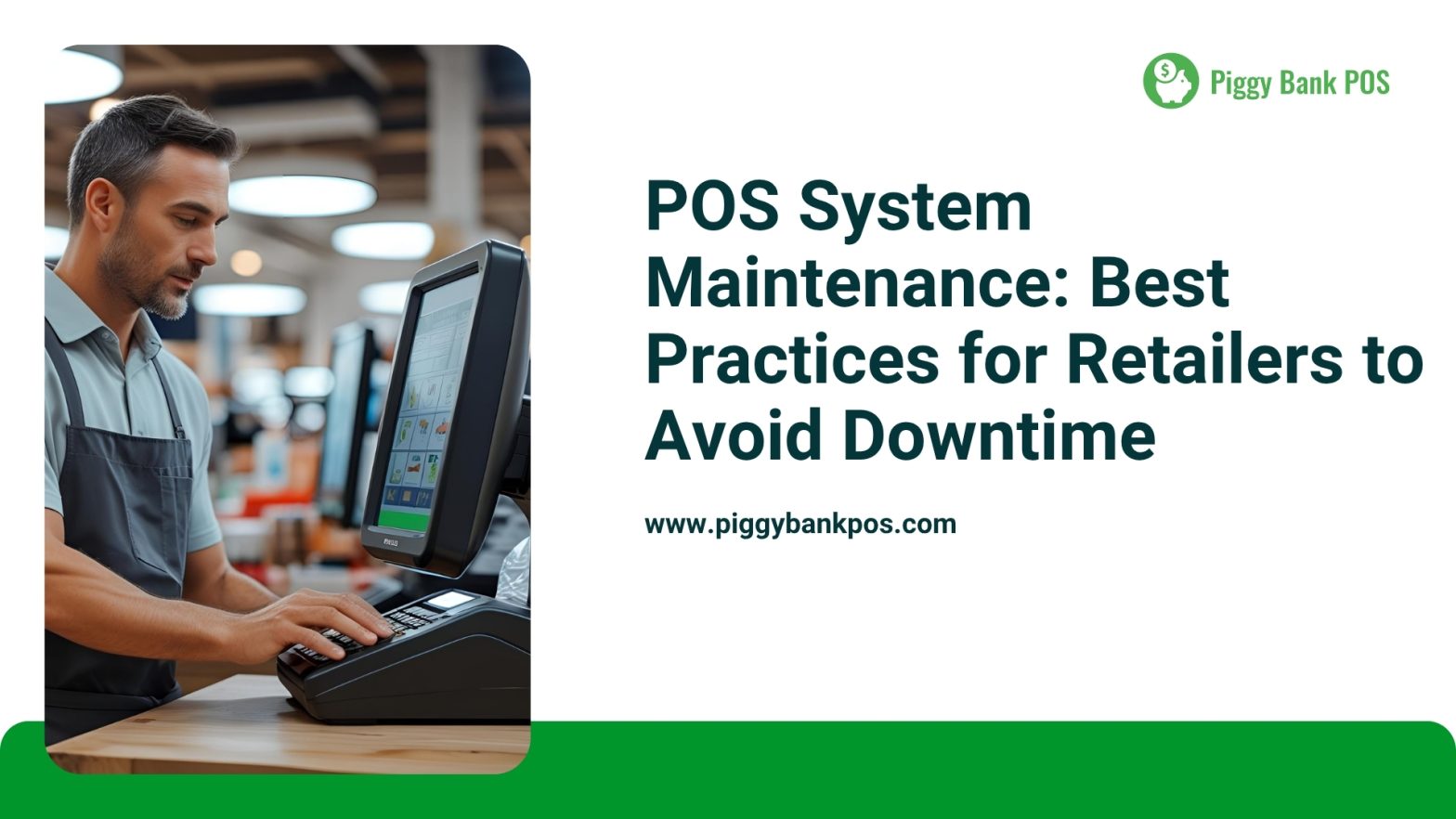
In today’s fast-paced retail environment, your Point of Sale (POS) system is the backbone of daily operations. Any downtime can lead to lost sales, frustrated customers, and disrupted workflows. Ensuring your POS system runs smoothly requires proactive maintenance and attention to detail. Here are some best practices retailers should follow to minimize downtime and keep business running efficiently.
1. Regular Software Updates
POS software vendors frequently release updates that include bug fixes, security patches, and new features. Delaying these updates can leave your system vulnerable to crashes and cyber threats. Schedule regular updates during off-peak hours to avoid disrupting your sales process.
2. Routine Hardware Inspections
POS terminals, barcode scanners, receipt printers, and cash drawers endure constant use. Regularly check for worn cables, loose connections, or damaged components. Cleaning hardware periodically—like removing dust from printer rollers and screens—can extend their lifespan and prevent unexpected failures.
3. Backup Your Data Frequently
POS systems handle critical sales and inventory data. Losing this information due to system failure can be disastrous. Use automatic backup solutions or cloud-based services to ensure your data is safely stored and easily recoverable in case of emergency.
4. Train Staff Thoroughly
Human error is a common cause of system issues. Train your employees on the proper use of your POS system, including how to handle errors, perform basic troubleshooting, and report problems promptly. A well-informed team can reduce the risk of accidental downtime.
5. Monitor Network Stability
Many POS systems depend on internet connectivity, especially cloud-based solutions. Ensure your network infrastructure is robust, with a reliable internet service provider and backup connections if possible. Use network monitoring tools to detect and address connectivity issues before they impact sales.
6. Implement Preventive Maintenance Plans
Schedule periodic system health checks that cover both hardware and software components. This can include diagnostics, cleaning, software optimization, and security audits. A structured preventive maintenance plan helps catch issues early and reduces unexpected downtime.
7. Have a Support Plan in Place
Choose a POS provider that offers responsive technical support and maintenance services. Quick access to expert help can minimize downtime during system failures. Ensure your staff knows how to contact support and escalate issues efficiently.
🔄 Seamless Integration with Universell
If you use Piggy Bank POS or the Cash Discount App, you already have a Universell account — and it’s free! Just log in to Universell with the same email, and your POS data (sales, invoices, inventory, CRM) syncs automatically into a full-featured business dashboard.
Universell Free Tier Includes:
- ✅ 250 customer records
- ✅ 1 sales pipeline
- ✅ 2 custom forms
- ✅ 2 team users
- ✅ Auto-sync of sales, customers, inventory, and invoice data
- ✅ Real-time business insights and extended tools not available directly in the POS
Keeping your POS system in top shape is crucial for uninterrupted retail operations. By following these best practices, you can reduce downtime, improve customer satisfaction, and protect your bottom line.
💡 Looking for a reliable, easy-to-maintain POS solution?
Visit PiggyBankPOS.com to learn how our hardware, software, and expert support help retailers stay up and running effortlessly.
#POSMaintenance #RetailTips #POSSystem #RetailTechnology #PiggyBankPOS #Universell #CashDiscount #SmallBusinessTools #BusinessEfficiency #POSSupport #RetailOperations #CloudPOS #POSBackup #RetailSuccess #POSIntegration
Releted Posts
How a POS System Can Increase Sales and Improve Customer Experience
A seamless, efficient, and engaging customer experience can make all the difference. This is where a Point of Sale (POS) system steps in as a game-changer. A modern POS system not only streamlines transactions but
Streamlining Employee Management with POS Systems
In today’s fast-paced business environment, managing employees efficiently is critical to maintaining productivity and delivering excellent customer service. Whether you’re running a restaurant, a retail store, or a service-based business, having the right tools in