How to Choose the Best POS System for Your Small Business
Choosing the right Point of Sale (POS) system is one of the most important decisions for any small business. A good POS system does more than just process payments—it streamlines operations, tracks sales, manages inventory, and improves customer experience.
With so many options available, how do you find the best POS system for your business? This guide will help you understand what to look for, key features to consider, and how to make the right choice based on your needs.
1. Understand Your Business Needs
Before selecting a POS system, start by evaluating what your business requires. Different industries have different priorities, so consider the following:
- Retail Stores: Inventory management, barcode scanning, and sales reports.
By identifying your specific needs, you can narrow down POS systems that offer the right features.
2. Key Features to Look for in a POS System
Once you’ve identified your business needs, here are the essential features to consider:
a) Payment Processing
Your POS should accept multiple payment methods, including:
✅ Credit & debit cards
✅ Mobile payments (Apple Pay, Google Pay)
✅ Contactless & chip payments
✅ Cash & checks
💡 Pro Tip: Consider a Cash Discount Program that allows you to offset credit card processing fees by offering discounts for cash payments.
b) Inventory Management
A good POS system should automatically track inventory in real-time, helping you:
✔ Monitor stock levels
✔ Receive alerts for low-stock items
✔ Manage multiple locations
c) Reporting & Analytics
Look for a POS that provides detailed reports on:
📊 Sales trends
📊 Best-selling products/services
📊 Employee performance
Data-driven insights can help you make smarter business decisions.
d) Customer Relationship Management (CRM)
If your business relies on repeat customers, CRM features can help:
✔ Store customer purchase history
✔ Offer loyalty programs & rewards
✔ Send targeted promotions
e) User-Friendly Interface
A POS system should be easy to use for both you and your employees. A complicated system can slow down transactions and lead to errors.
f) Integration Capabilities
Make sure your POS integrates with other business tools such as:
🔗 Accounting software (QuickBooks, Xero)
🔗 E-commerce platforms (Shopify, WooCommerce)
🔗 Marketing & loyalty programs
g) Hardware Options
Depending on your setup, consider what hardware you’ll need:
💻 Touchscreen terminals
🖨️ Receipt printers
🔢 Barcode scanners
💰 Cash drawers
Some POS providers offer complete hardware bundles, while others allow you to use your existing devices.
h) Security & Compliance
Your POS system should be PCI-compliant and have secure payment processing to protect customer data. Features like end-to-end encryption and two-factor authentication add extra security.
3. Compare Costs & Pricing Plans
The cost of a POS system varies depending on the features and provider. Consider these pricing factors:
💰 Upfront Costs: Hardware, setup, and installation fees.
💰 Monthly Fees: Subscription fees for cloud-based POS systems.
💰 Transaction Fees: Percentage charged per card transaction.
💰 Hidden Costs: Extra fees for add-ons, integrations, or support.
💡 Pro Tip: A Cash Discount Program can help businesses reduce credit card processing fees by passing them onto customers who pay with a card, while offering discounts to those who pay with cash or debit.
4. Future-Proof Your Business
Your business will grow, and your POS system should grow with it. Choose a system that:
✅ Can handle multiple locations
✅ Supports e-commerce integration
✅ Allows for future feature upgrades
Scalability ensures you won’t need to switch systems later, saving time and money.
Final Thoughts: The Right POS Can Transform Your Business
Selecting the best POS system is an investment in your business’s success. By considering your business needs, key features, costs, and future scalability, you can choose a system that improves efficiency and customer experience.
💡 Looking for a powerful, cost-effective POS system?
✅ Supports all payment methods – Credit, debit, contactless, & mobile payments
✅ Real-Time Inventory Management – Track stock, receive low-stock alerts, & manage multiple locations
✅ Advanced Reporting & Analytics – Sales trends, best-selling products, & employee performance
✅ Built-in CRM & Marketing Tools – Customer loyalty programs, targeted promotions, & automated follow-ups
✅ User-Friendly & Scalable – Easy-to-use interface with features that grow with your business
✅ E-commerce & Integration – Sync online and in-store sales, plus connect with accounting & marketing software
🔗 Visit Piggy Bank POS today to get started and save on payment processing – www.piggybankpos.com 🚀
#SmallBusiness #POSSystem #RetailTech #BusinessGrowth #CashDiscount #PaymentProcessing #MerchantServices #SaveMoney #Entrepreneur #ContactlessPayments #CloudPOS #RestaurantTech #ShopLocal #Ecommerce #BusinessTools #PiggyBankPOS
Releted Posts

How AI Agents Will Reshape Retail
The retail industry is entering a new era, one where artificial intelligence (AI) is poised to transform how businesses operate, engage customers, and drive sales. AI agents, powered by machine learning and advanced algorithms, are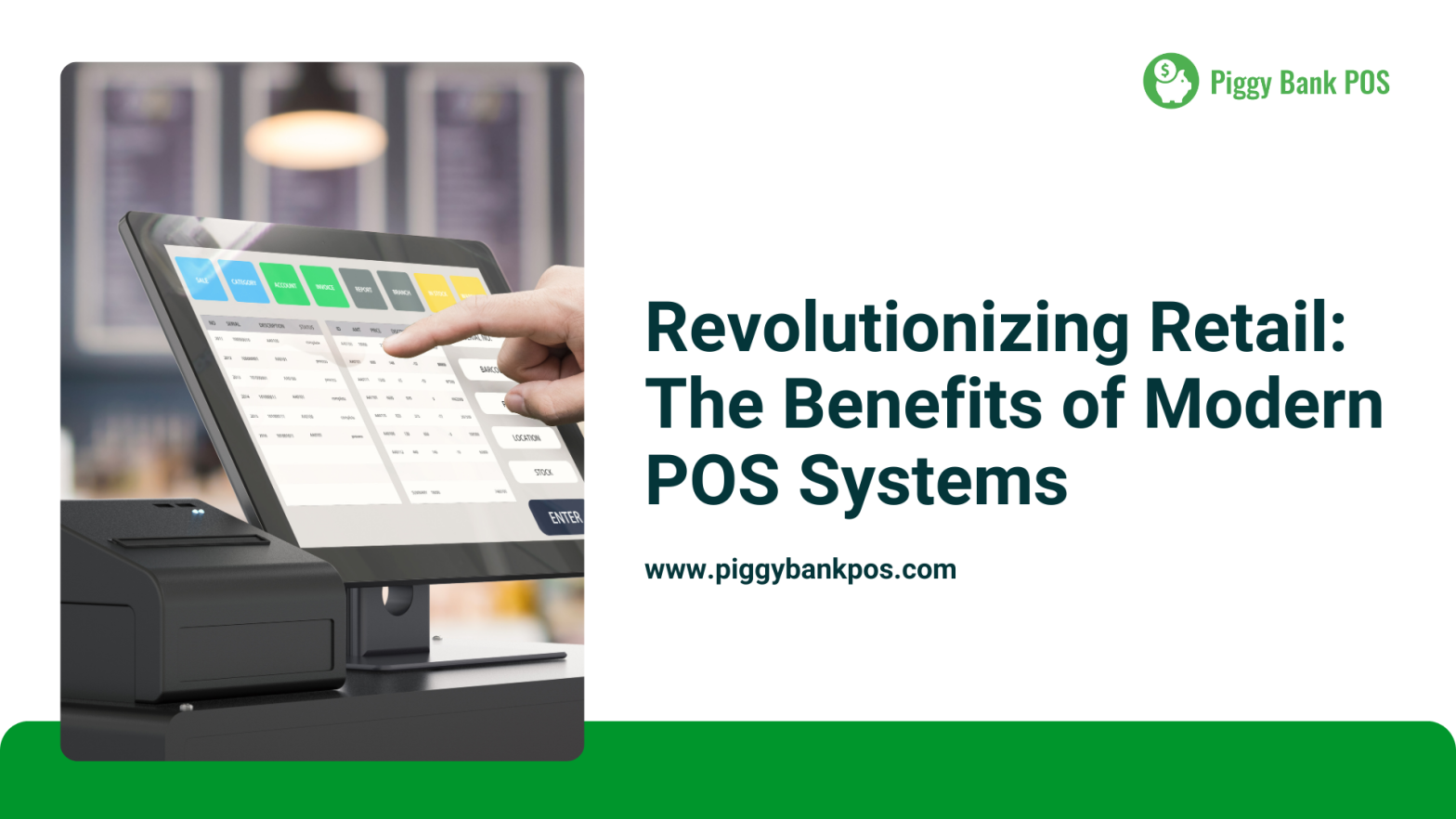
Revolutionizing Retail: The Benefits of Modern POS Systems
The retail industry is undergoing a significant transformation, and at the heart of this revolution are modern Point-of-Sale (POS) systems. Gone are the days of clunky cash registers and basic transaction tracking. Today’s POS systems,