How to Train Your Staff to Use Your POS System Effectively
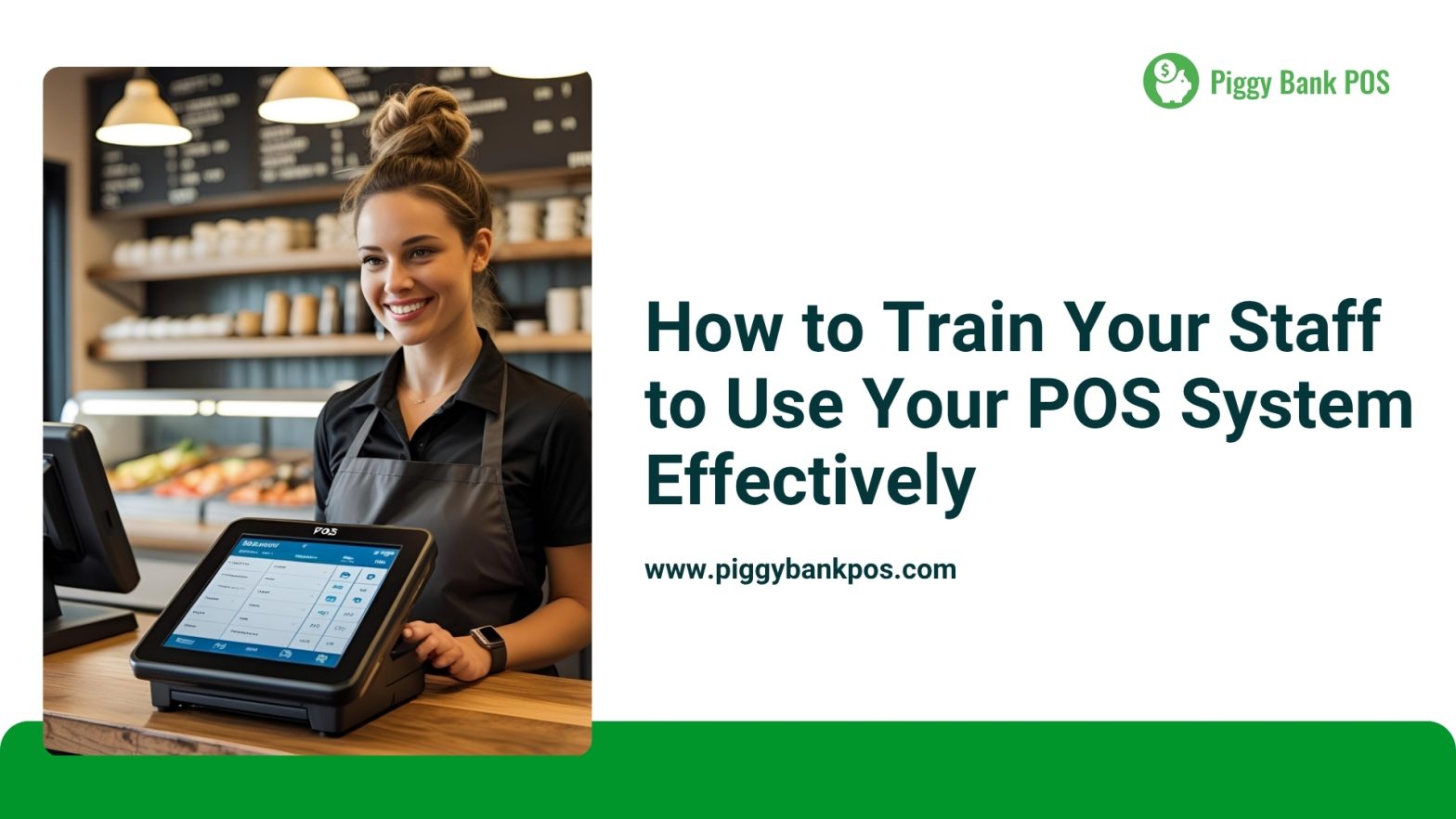
Your POS system is more than just a tool for transactions it’s the heartbeat of your business operations. Whether you’re in retail, hospitality, or service industries, ensuring your staff is well-trained on your POS system is essential for smooth day-to-day operations, faster service, and higher customer satisfaction.
Here’s a step-by-step guide to help you train your staff effectively:
1. Start with the Basics
Begin by introducing the core functions of your POS system. These usually include:
- Logging in and out
- Processing sales and returns
- Accepting various payment types (cash, debit, credit, gift cards)
- Printing receipts
- Handling discounts, promotions, and loyalty programs
Make sure new hires can confidently complete a basic sale before moving on to more advanced features.
2. Use Hands-On Training
There’s no substitute for experience. Set up a training terminal (or a training mode) where staff can simulate real transactions. Let them:
- Ring up mock sales
- Apply cash discounts
- Cancel or void transactions
- Practice opening and closing the register
This interactive learning builds confidence and muscle memory.
3. Explain the “Why” Behind the System
Employees are more likely to use the POS correctly if they understand why it works the way it does. For example, if you’re using a Cash Discount program, explain how:
- Prices are adjusted slightly to cover card processing fees (e.g., $10 becomes $10.40)
- Customers paying with cash, debit, or check get a discount back to the original price
- Credit card users pay the adjusted price, helping the business offset fees
When your team understands this logic, they’re better prepared to explain it to customers and reduce confusion.
4. Create a Training Manual or Cheat Sheet
Provide quick-reference guides or printed cheat sheets that staff can use while they’re learning. Include steps for:
- Daily opening/closing procedures
- Common troubleshooting issues
- How to apply discounts
- Handling returns or exchanges
This makes the learning curve more manageable and encourages independence.
5. Assign a POS “Champion”
Designate one or two team members as your go-to POS experts. They can support new employees, answer questions, and help troubleshoot during busy hours. This also empowers your team and creates leadership opportunities.
6. Practice Real Scenarios
Role-play situations that might come up during a shift, such as:
- A customer disputing a charge
- A card being declined
- A request for a return without a receipt
- A customer questioning the Cash Discount
Practicing how to handle these calmly and professionally makes a big difference in real interactions.
7. Encourage Ongoing Learning
As your POS system updates or expands, make sure your team is in the loop. Hold brief refresher meetings, share video tutorials, or use vendor resources to keep everyone current.
8. Track Performance and Offer Feedback
Monitor how well your team is using the system. Are they making frequent errors? Do they seem uncomfortable with certain functions? Use this information to provide supportive feedback and additional training where needed.
9. Reward Mastery
Once employees demonstrate proficiency, reward them! This could be in the form of praise, small incentives, or even more responsibility. Recognizing their effort encourages continued excellence.
Conclusion
A well-trained team using your POS system confidently can dramatically improve efficiency, customer experience, and your bottom line. Investing time into effective training now pays off in smoother operations and fewer headaches later.
Looking for a POS system that’s easy to train on and built to save your business money? Learn more about Piggy Bank POS and how our Cash Discount feature can help eliminate credit card processing fees.
👉 Visit us at www.piggybankpos.com
#POSTraining #StaffTraining #RetailTraining #HospitalityTips #CashDiscountProgram #PiggyBankPOS #BusinessEfficiency #CustomerServiceExcellence #POSSystemTips #SmallBusinessGrowth #EmployeeSuccess
Releted Posts
Maximizing Efficiency: How to Train Your Staff on Using a New POS System
Upgrading to a new Point of Sale (POS) system can streamline operations, improve customer experience, and boost sales. However, a smooth transition depends on how well your staff adapts to the new system. Proper training
Gen Z Postmaterialism Disrupting Retail
As the retail landscape continues to evolve, Gen Z, the generation born roughly between 1997 and 2012, is bringing about a significant shift in consumer behavior. Postmaterialism, a mindset that values experiences, sustainability, and social